How Do I Balance SEO with User Experience (UX) and Web Design?
→ Can a Beautiful Website Actually Hurt My Google Rankings?
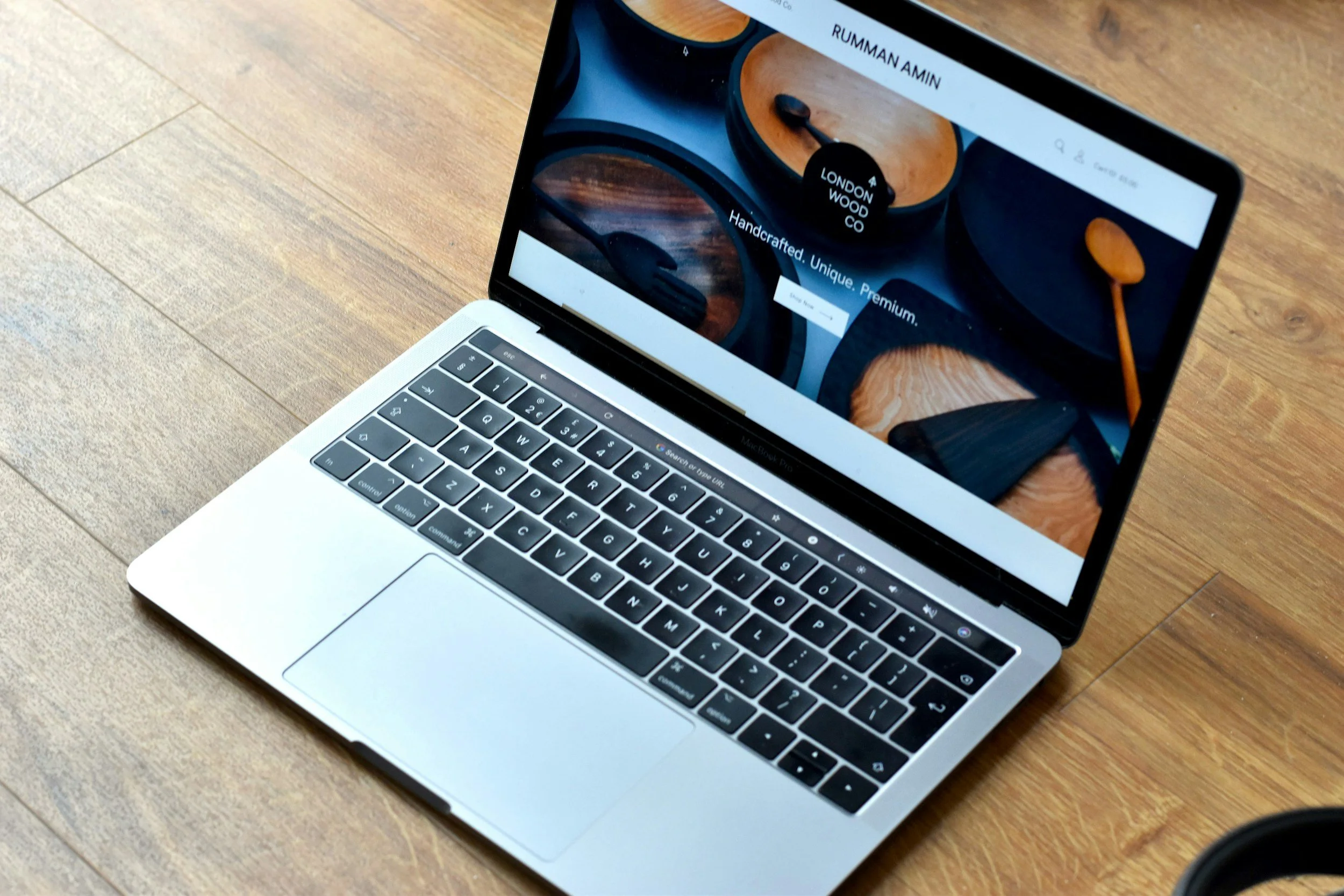
Most small business owners we meet think of their website the way they think of a brochure. You pick the nicest design, add some pretty photos, maybe a video on the homepage, and hope it looks "professional." The problem is that in 2026, a website is not a brochure. It is a system that has to please two very different audiences at the same time: a human customer and Google's algorithm. When you design for only one of them, the other punishes you.
Here is the hard truth. A stunning website can absolutely tank your rankings. We have seen clients come to us after paying thousands for a gorgeous new site, only to watch their organic traffic drop in the months that followed. The design is not the enemy. The lack of balance is.
Let's unpack how to get both right without choosing one over the other.

Can a Good-Looking Website Tank Your SEO?
Yes. And it happens more often than most designers will admit.
Google does not see your site the way a human does. It reads code, measures load speed, and scans your page structure. If your full-screen video, parallax scroll, and heavy hero images make the page slow or confusing, your rankings will reflect that.
The design choices that most often kill SEO:
Huge media files. Uncompressed hero images and background videos are the number one reason Core Web Vitals scores fall apart. Google's guidance is that LCP (Largest Contentful Paint) should stay under 2.5 seconds. Most designer-built sites we audit miss this threshold, especially on mobile.
Hidden navigation. If your menu only appears on hover, or critical pages sit three clicks deep behind animations, Google's crawlers struggle and users give up.
Low contrast text. Grey text on beige backgrounds looks elegant in a design mockup. It fails accessibility audits and hurts readability on mobile.
Animation-heavy interactions. Motion effects that delay interaction hurt INP (Interaction to Next Paint), which replaced FID as a Core Web Vital in March 2024. A good INP is 200 milliseconds or less.
Google's ranking systems are built to mirror real user satisfaction. If people bounce or struggle, rankings drop. Simple as that.

What Most People Get Wrong About SEO vs UX
Most small business owners treat SEO and UX as two separate line items. The SEO agency handles keywords and backlinks. The web designer handles how it looks. Neither talks to the other, and the result is a site that fails at both.
In 2026, that approach is broken. Google's AI Overviews and generative search results reward sites that are fast, structured, and easy to read. That is UX and SEO working together, not fighting each other. Good SEO is good UX. Good UX is good SEO. You do not get to pick one.

What Google Actually Prioritizes Now
With AI Overviews dominating the top of many search results, your site needs to be clear, quick, and extractable. AI-driven ranking systems favour content that:
Loads fast on mobile, not just desktop
Uses clean HTML structure with proper H1s, lists, and tables
Provides direct answers near the top of each section
Keeps critical information out of scripts, modals, and carousels
That sleek team slider on your About page? If it delays rendering or hides your credentials behind animations, Google's AI will skip you in favour of a competitor whose content is easier to parse.
How to Balance SEO, UX, and Design in Practice
1. Build speed in from day one
Compress images to WebP or AVIF. Limit JavaScript animations to elements that actually matter. Lazy-load anything below the fold. Host on a CDN close to your customers. Our technical SEO team runs Core Web Vitals audits before any redesign goes live.
2. Design for humans and crawlers at the same time
Use readable fonts at 16 pixels or larger. Keep contrast high. Make buttons and tap targets big enough for thumbs. Use semantic HTML with proper heading hierarchy. None of this compromises design if you plan for it early.
3. Bake SEO into the design brief, not after launch
Write keyword-aware H1s and H2s that match real user queries. Add descriptive alt text to every image. Keep your navigation crawlable and logical. If your web designer does not ask about your target keywords before starting, that is a red flag.
4. Mobile is your first impression, not your second
Mobile drives a huge share of traffic for most small businesses now, and for some industries it is already the majority. Design mobile-first, then adapt for desktop. Test every form, every CTA, every drop-down on a real phone before going live.

How Elescend Handles This
Our team has been doing this for a while. Our lead SEO specialist has 15 years of hands-on experience, and our in-house web designer has 8 years building sites that rank and convert. We do not separate SEO and design into two teams that fight each other. When we build a site, the SEO strategy drives the information architecture, and the design serves both the brand and the search intent.
If you already have a site and something feels off, we run a full audit that covers speed, structure, content, and on-page SEO in one pass. No guessing, no separate invoices from three different vendors.
What Should You Do Next?
If your site was built by a designer who never talked to an SEO specialist, get a third-party audit before you invest in more traffic. Paying for Google Ads or link building on a broken foundation is money on fire. If you are planning a redesign, hire a team that handles both from the start.
Here is what our process looks like:
Reach out with your current website URL
We run a free SEO and UX audit within 48 hours
You get a straight answer on what to fix and what to leave alone
No pressure to commit

FAQs
-
Yes, if they delay page load or block content from rendering quickly. Use animations only when they support user understanding, and check your INP score in Google PageSpeed Insights.
-
Google considers an LCP under 2.5 seconds and an INP of 200 milliseconds or less as "good" for Core Web Vitals. On Google PageSpeed Insights, a score of 90 or above is in the green zone. The PageSpeed score itself is not a direct Google ranking factor, but if your Core Web Vitals fail in real user field data, that does affect how Google ranks your pages.
-
No. You need designers, developers, and SEO specialists working from the same brief from day one. When teams are separate, the site fails both tests.
-
Most Core Web Vitals issues can be fixed in a few weeks without a full redesign. Image compression, lazy loading, and code cleanup usually deliver the fastest gains.

Anthony Yang
Hi, I’m Anthony, the founder of Elescend Marketing. Over the past three years, I’ve worked with more than 50 small businesses across North America.
Today, I lead a highly skilled SEO team and work closely with small businesses to help them reach the first page of Google and build steady organic traffic within six months. My focus is on delivering real, measurable results, not empty promises. Visit my LinkedIn profile.